50 Free Websites Every Founder, Developer and Student Should Bookmark
By Mr. Gift Edegware · September 25, 2026 · 9 min read
The internet's hidden toolbox: 50 free websites that do the work of paid software — research, design, developer tools, privacy and media. Curated by a Lagos software CEO who uses most of them weekly.
Every founder I know pays for software they could get free. Every developer I hire has a browser bookmark bar that looks like a graveyard. And every student who writes to me asking how to “get into tech” is usually one good link away from the resource they need.
So here is the list I actually use — fifty free websites, sorted into five categories, that quietly do the work of a paid subscription. Some of these I open every week running Gsoft; some I hand to junior engineers on their first day; a few I discovered from the community on X and kept because they earned their place.
No affiliate links. No “premium” catch. Bookmark the ones you need and share the rest.
1. Research and learning
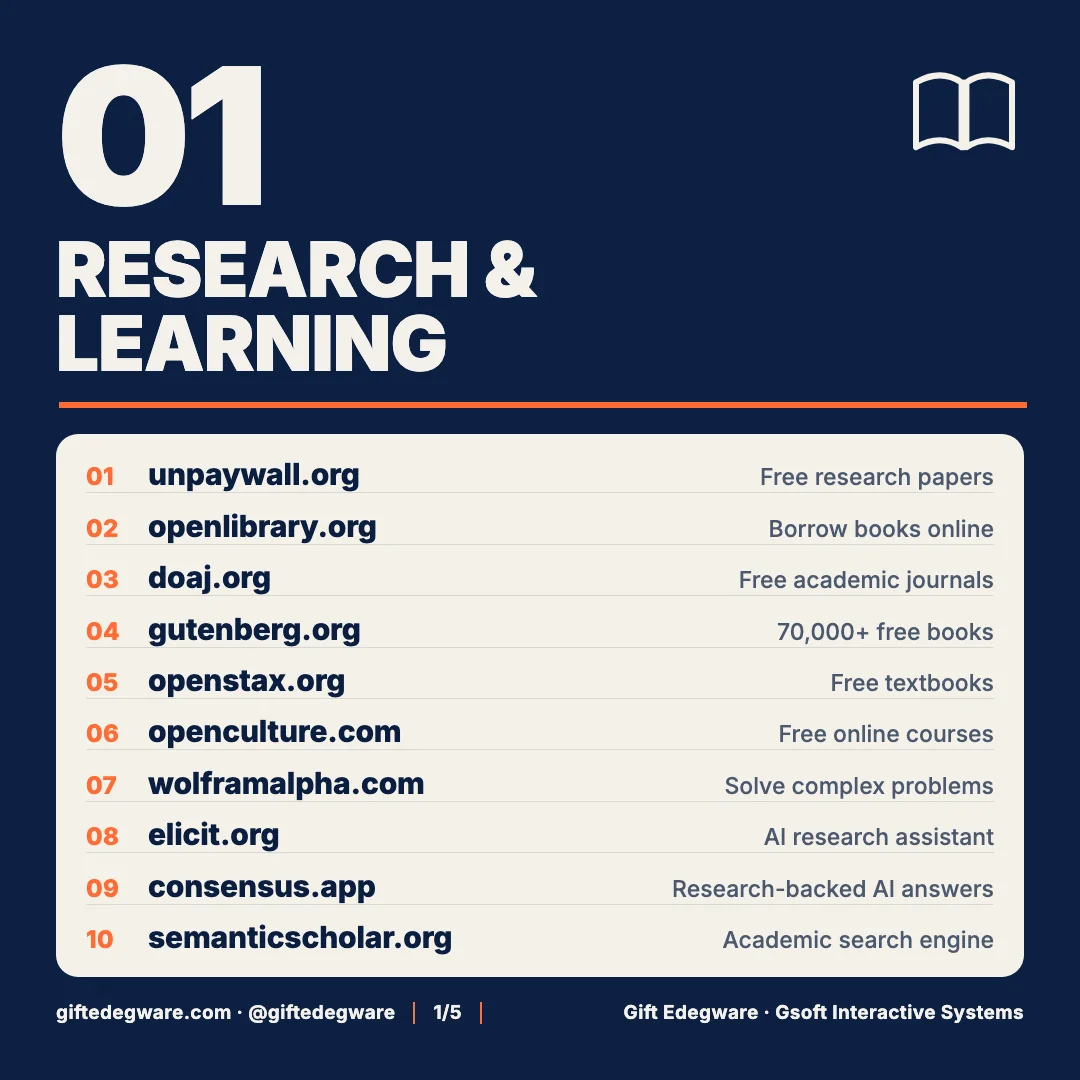
- unpaywall.org — A browser extension that finds the free, legal version of paywalled research papers. Essential if you’re reading AI or fintech papers without a university login.
- openlibrary.org — Borrow digitised books from the Internet Archive’s library. Millions of titles, no card required.
- doaj.org — The Directory of Open Access Journals. Peer-reviewed research you can read in full, across every field.
- gutenberg.org — 70,000+ public-domain books. The classics, free, in every format.
- openstax.org — Free, peer-reviewed university textbooks. If you’re teaching yourself statistics or economics, start here.
- openculture.com — A curated index of free online courses, audiobooks and lectures from real universities.
- wolframalpha.com — A computational engine, not a search engine. Type a maths, physics or finance problem and get the worked answer.
- elicit.org — An AI research assistant that reads papers for you and extracts findings into a table. I use it to survey a field before a client engagement.
- consensus.app — Ask a question, get an answer backed by peer-reviewed sources with citations. The antidote to “I read it somewhere.”
- semanticscholar.org — An AI-powered academic search engine that surfaces the most-cited work on any topic.
2. Design and images
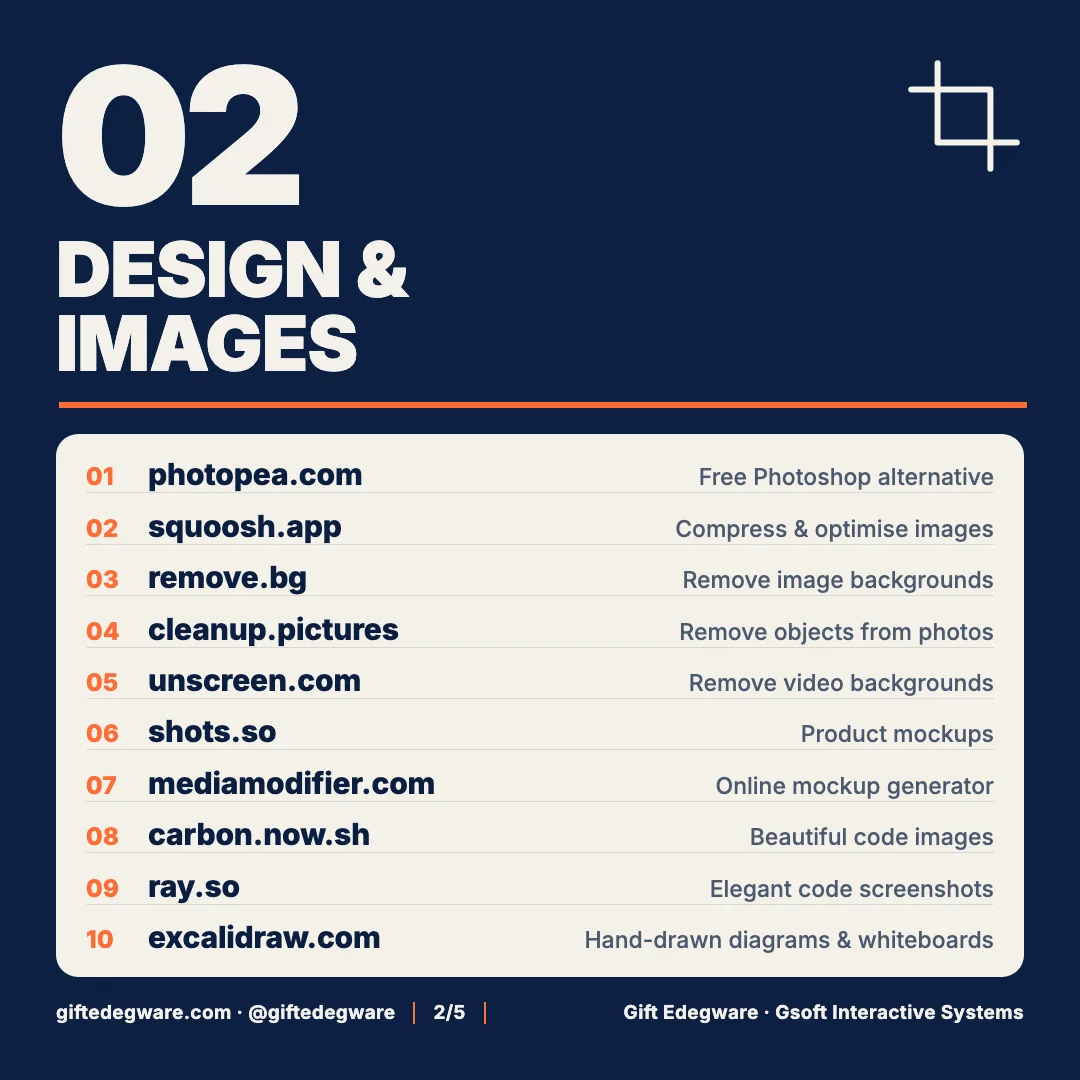
- photopea.com — A full Photoshop clone in the browser that opens PSD files. Our designers use it on machines that don’t have Adobe.
- squoosh.app — Google’s image compressor. Every image on this site went through it; Core Web Vitals thank you.
- remove.bg — Remove an image background in one click. Product photos, headshots, logos.
- cleanup.pictures — Paint over an object in a photo and it disappears. Uncannily good.
- unscreen.com — remove.bg, but for video.
- shots.so — Drop a screenshot, get a polished device mockup for your landing page or App Store listing.
- mediamodifier.com — Thousands of mockup templates — packaging, apparel, print, devices.
- carbon.now.sh — Turn a code snippet into a beautiful image for a tweet or a slide.
- ray.so — Same idea as Carbon, with cleaner presets. Pick whichever matches your brand.
- excalidraw.com — Hand-drawn-style diagrams and whiteboards. Every system architecture diagram I send a client starts here.
3. Developer tools
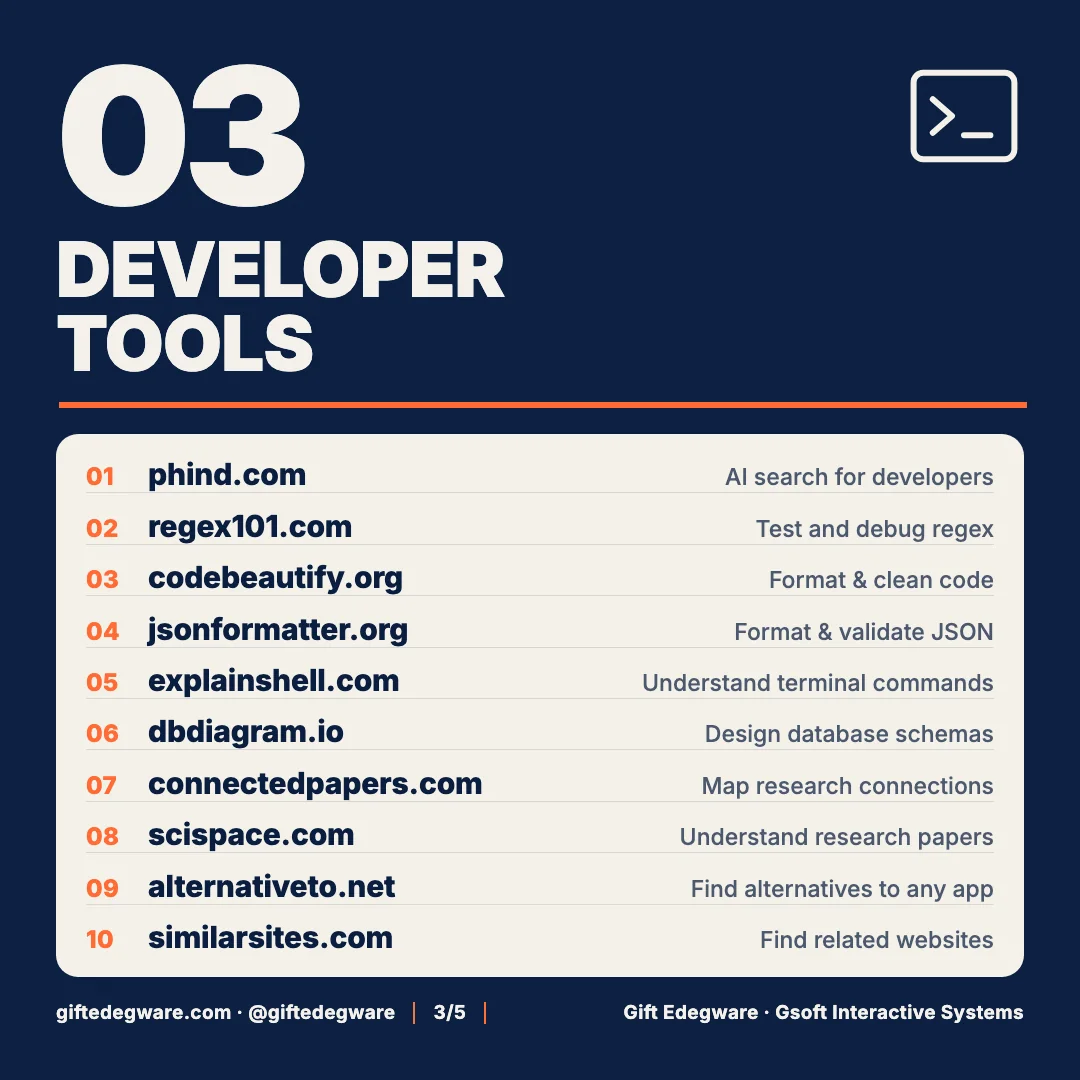
- phind.com — An AI search engine tuned for programming questions, with sources. Faster than digging through Stack Overflow.
- regex101.com — Build and debug regular expressions with a live explanation of every token. Non-negotiable.
- codebeautify.org — Format, minify and convert almost any code or data format.
- jsonformatter.org — Paste ugly JSON, get readable JSON, catch the missing comma.
- explainshell.com — Paste a terminal command and it explains every flag. Give this to every junior on day one.
- dbdiagram.io — Write a schema in plain text, get an entity-relationship diagram. We use it in every discovery week.
- connectedpapers.com — A visual map of how research papers cite each other. Great for going from one paper to the ten that matter.
- scispace.com — Highlight any paragraph of a paper and ask the AI to explain it.
- alternativeto.net — Find free or open-source alternatives to any software. Ask it before you pay for anything.
- similarsites.com — Find websites similar to one you already like. Useful for competitor research.
4. Privacy and utilities
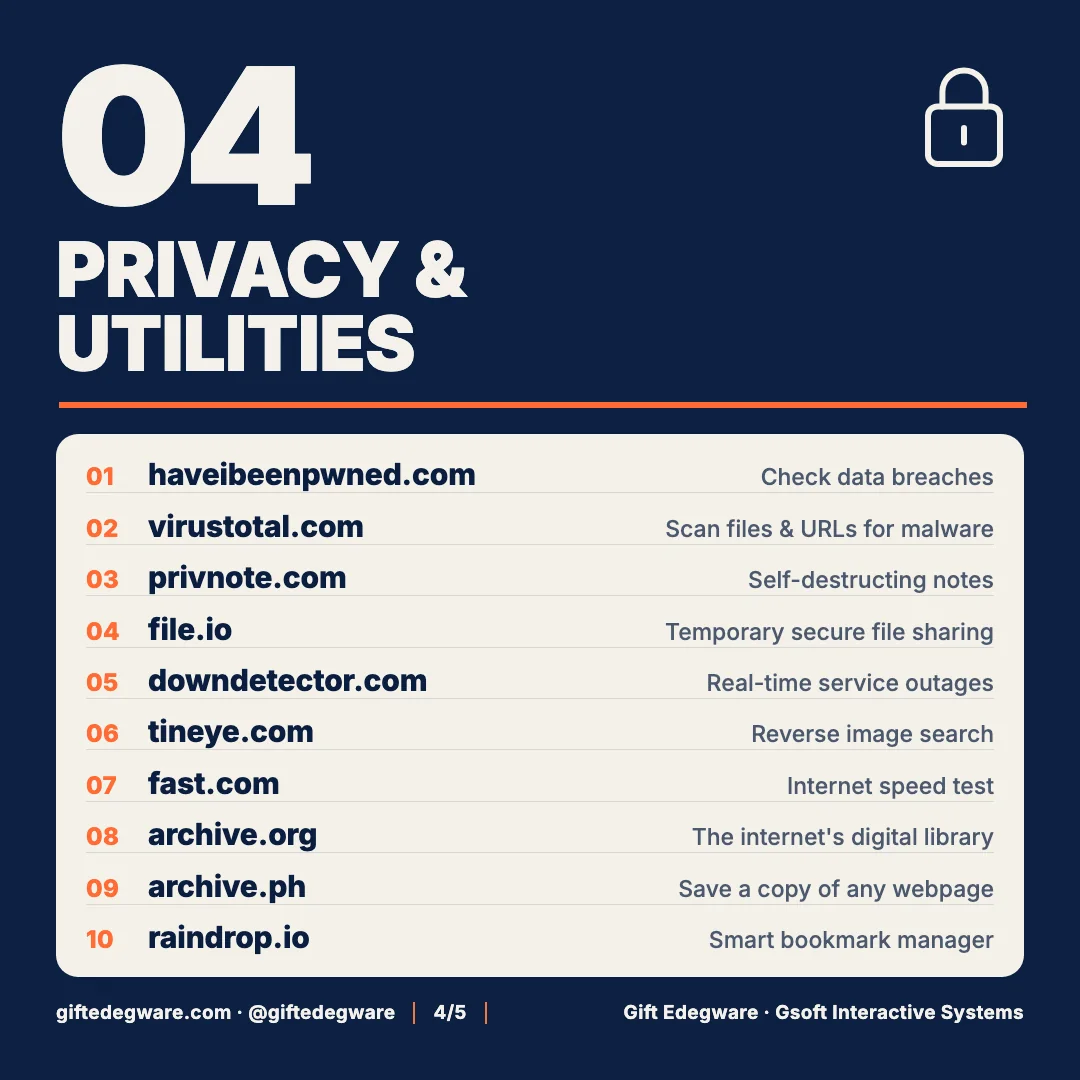
- haveibeenpwned.com — Enter your email and see every data breach it appeared in. Then change those passwords.
- virustotal.com — Scan a file or URL against 70+ antivirus engines before you open it. Do this with every “invoice.pdf” from an unknown sender.
- privnote.com — Send a note that self-destructs after it’s read. How we share temporary credentials with clients.
- file.io — Upload a file, get a link that expires after one download.
- downdetector.com — When a service is misbehaving, check here first before blaming your own code.
- tineye.com — Reverse image search. Find where an image came from, or whether your logo is being used elsewhere.
- fast.com — Netflix’s speed test. No ads, one number.
- archive.org — The Internet Archive and the Wayback Machine. See what any website looked like in 2009.
- archive.ph — Take a permanent snapshot of a web page as it is right now. Evidence, receipts, citations.
- raindrop.io — A bookmark manager that actually works across devices. This whole list lives in it.
5. Media, music and files
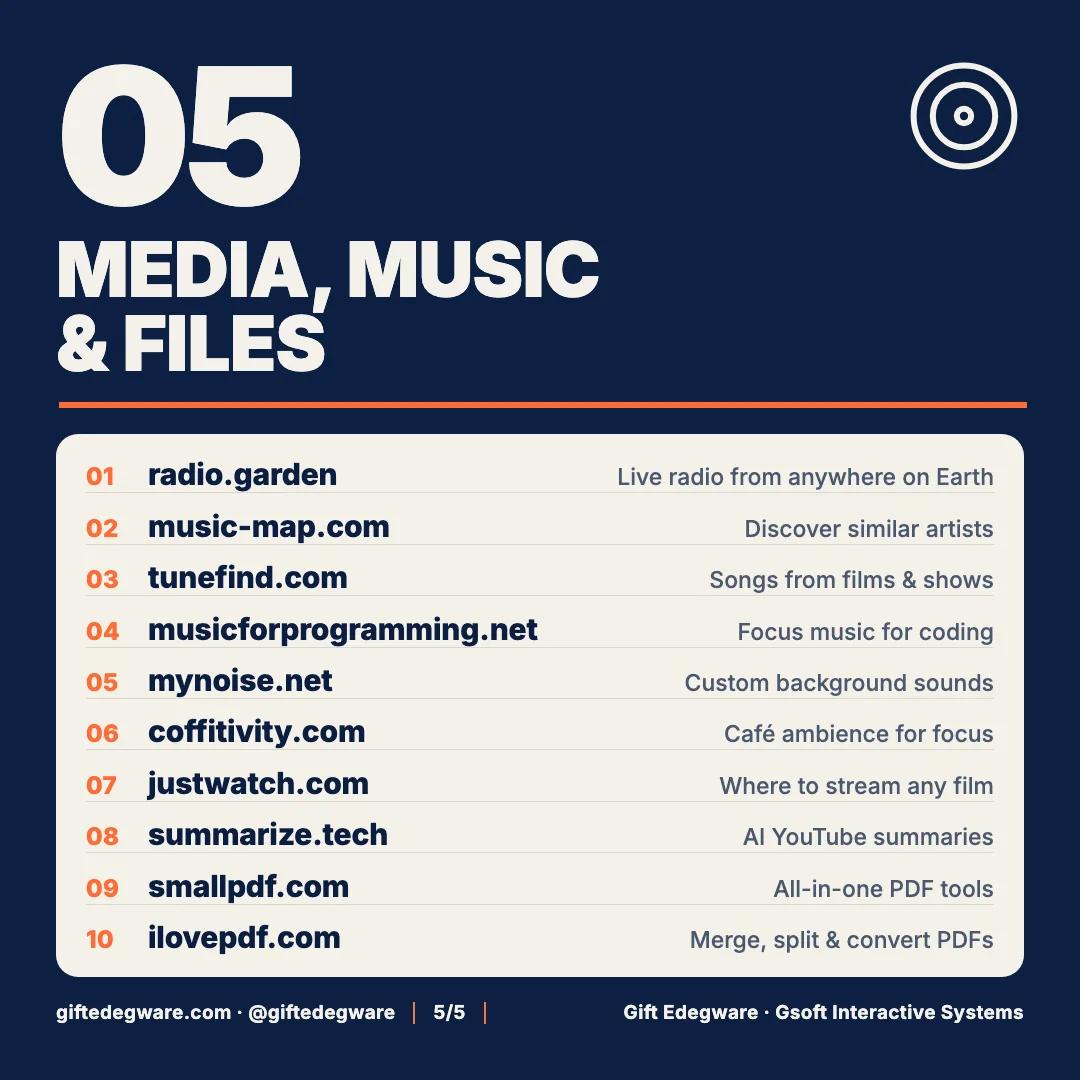
- radio.garden — Spin a globe and listen to live radio from any city on Earth.
- music-map.com — Type an artist, see a map of similar artists.
- tunefind.com — Find the song playing in that film or series episode.
- musicforprogramming.net — Long, ambient mixes built for deep work.
- mynoise.net — Custom background soundscapes you can tune. Rain, café, engine room.
- coffitivity.com — Café ambience for people who work better with a hum around them.
- justwatch.com — Which streaming service has the film you want, in your country.
- summarize.tech — Paste a YouTube link, get an AI summary with timestamps. Saves an hour a week.
- smallpdf.com — Compress, convert, sign and edit PDFs.
- ilovepdf.com — Merge, split, rotate and convert PDFs. Between this and Smallpdf you never need Acrobat.
How to actually use a list like this
Lists like this get saved and forgotten. Three things that make the difference:
- Bookmark by category, not by tool. Put the five categories above into a folder each in raindrop.io. When you need “the thing that removes backgrounds,” you look in Design, not in a 50-item pile.
- Give the developer tools to your team. regex101, explainshell, dbdiagram and jsonformatter should be in every junior’s onboarding document. They compound.
- Check haveibeenpwned.com today. Not later. Today.
A note for founders
The reason I keep a list like this isn’t frugality. It’s discipline: knowing exactly which tools solve which problems is the same skill as knowing which features your product needs and which it doesn’t. The founders I work with who build good software are the ones who are ruthless about tooling — free or paid.
If you’re building a product and want that kind of discipline inside your engineering team — architecture, tooling, hiring, the AI features that are worth shipping and the ones that aren’t — that’s the work I do as a fractional CTO alongside running Gsoft. Book a 30-minute call; I’ll tell you honestly whether you need one.
Know a free tool that belongs on this list? Tell me on LinkedIn — I update it.